Sevio
 Verified
Verified
Sevio is a publisher-first monetization platform that provides tools for managing programmatic advertising, direct deals, and advertiser relationships within a single system.

Sevio Description
Sevio is a publisher-first monetization platform that provides tools for managing programmatic advertising, direct deals, and advertiser relationships within a single system.
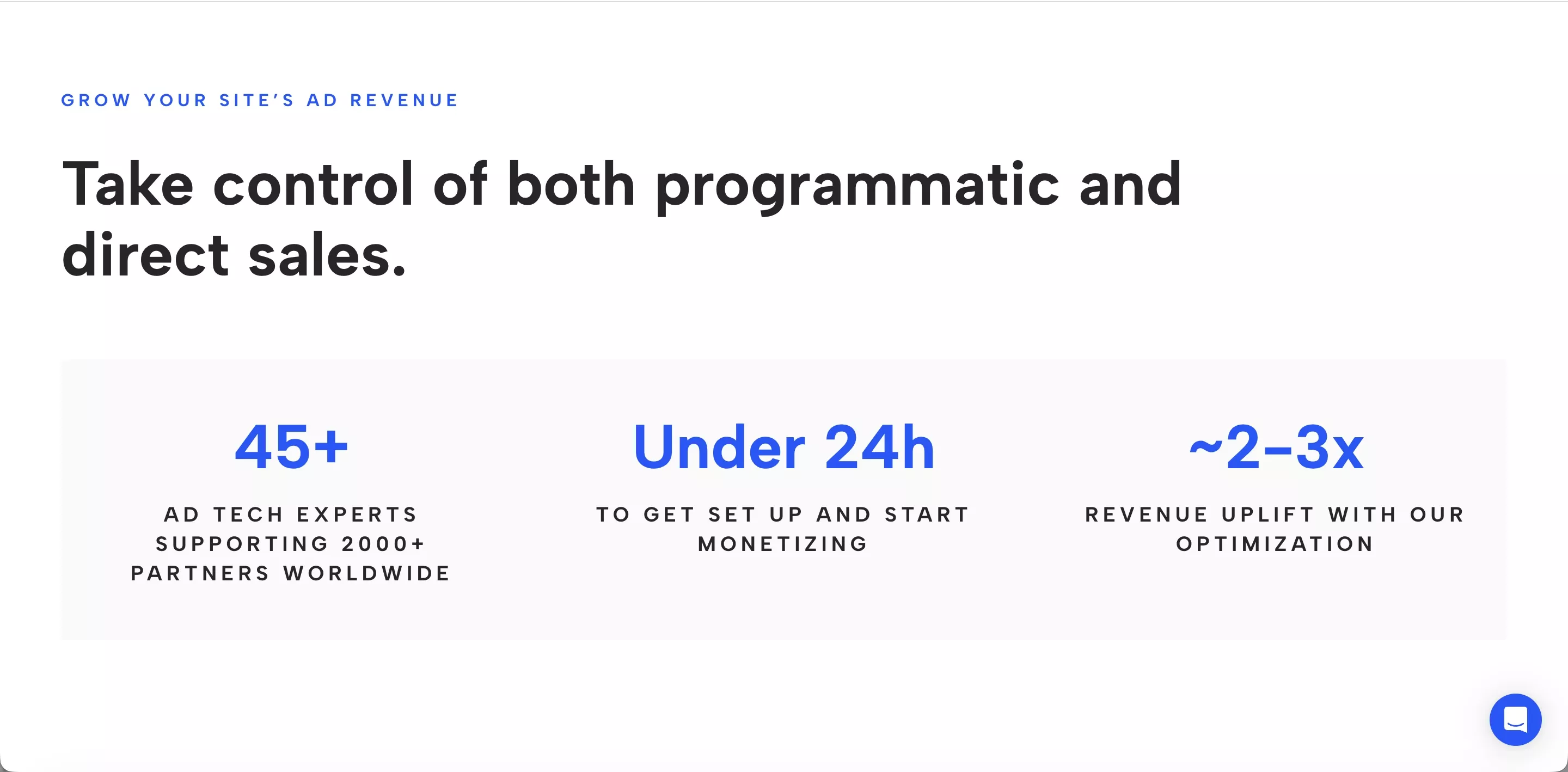
With over ten years of experience in developing advertising technology, Sevio is recognized for its focus on quality and innovation, and is trusted by customers worldwide. The platform supports publishers in 40+ countries, including 200+ financial and business publishers.
This Sevio review explores the platform’s core products, ad formats, reporting tools, CPM logic, and onboarding process so publishers can better understand how it fits within their monetization stack.

Quick Facts
- Faster Payouts (NET 30 days)
- High CPMs
- Multiple Formats
- Global Fill Rates
- IAB Member
- Excellent Client Service

Sevio Software Images


Sevio Products
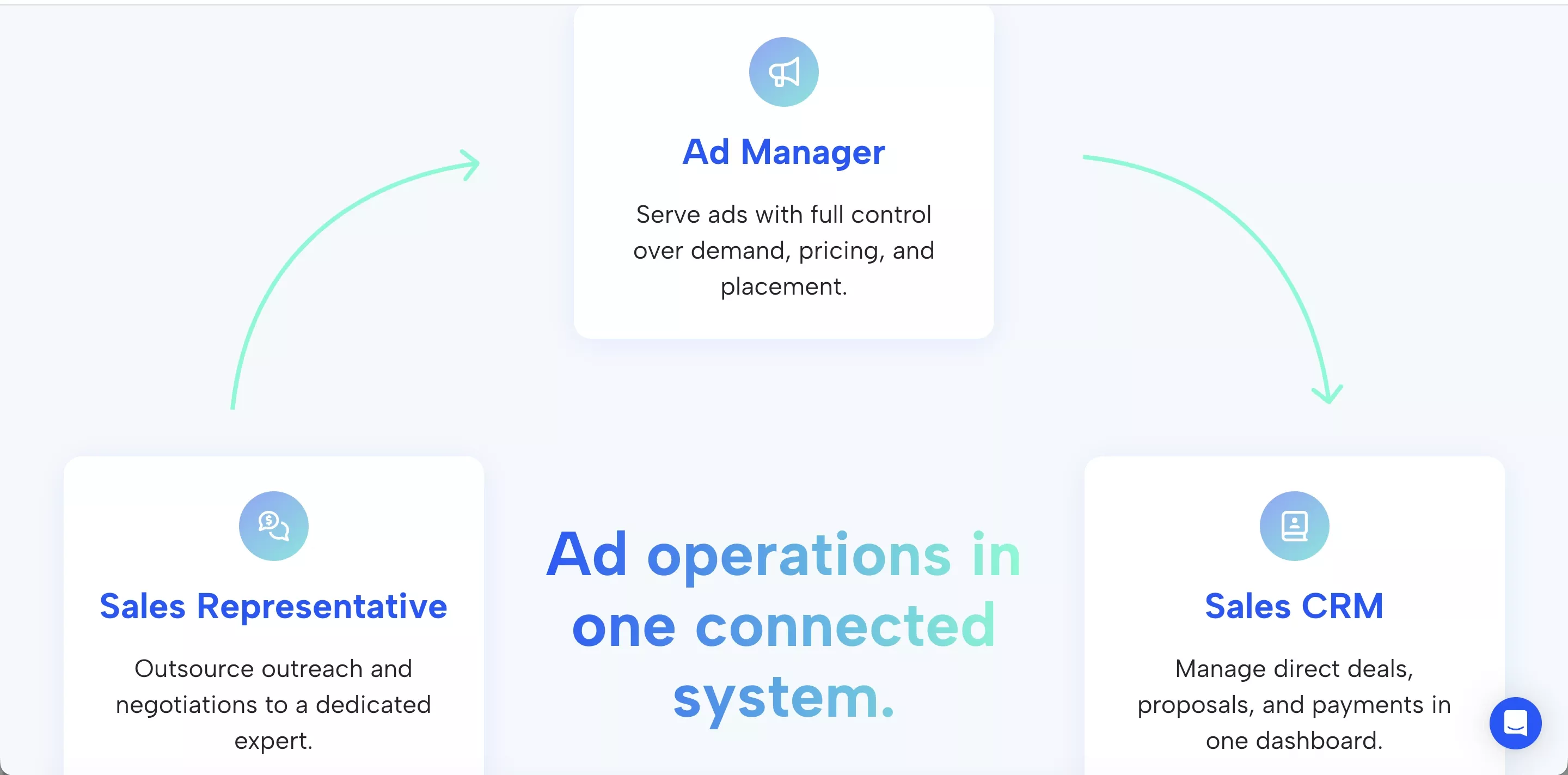
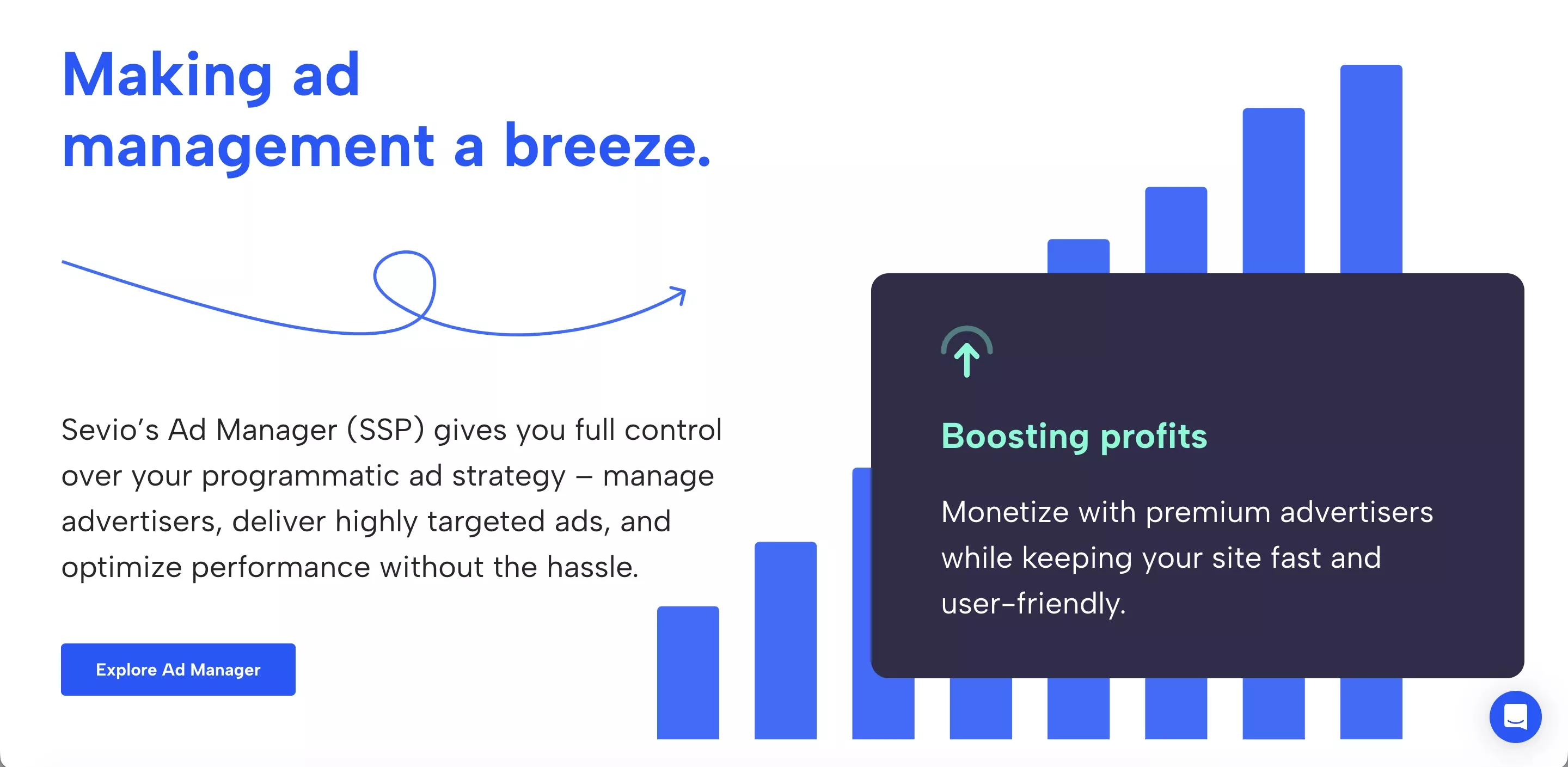
Sevio’s ecosystem is built around three integrated components: Ad Manager, Marketplace, and Sales CRM.
Sevio Ad Manager is the platform’s technical core, combining ad server functionality with programmatic infrastructure. Publishers can activate Open Auction (RTB), run Preferred Deals and Programmatic Guaranteed campaigns, manage ad zones, and control floor pricing from a centralized dashboard.
The Sevio SSP integration is tag-based with header bidding support, and real-time reporting provides full visibility across inventory and campaigns.
Sevio Marketplace expands advertiser demand beyond in-house sales. Advertisers access curated opportunities, while publishers can monetize more than traffic, including newsletters, social posts, and branded content.
Sevio Sales CRM centralizes advertiser relationship management and direct deal workflows. It helps publishers structure premium packages, track insertion orders, and align commercial agreements with campaign delivery, enabling scalable, organized direct revenue.

Sevio Features and Capabilities
As this Sevio review shows, the platform equips publishers with a monetization infrastructure that blends technical control with commercial execution.
- Real-Time Bidding & Hybrid Deal Support: Operate Open Auction (RTB) alongside structured direct agreements within the same framework, allowing publishers to balance scalable demand with premium partnerships.
- Advanced Inventory Governance: Configure ad zones, apply manual floor pricing, manage advertiser approvals, and implement ads.txt enforcement, ensuring full control over pricing logic and ad quality.
- Granular Performance Overview: Access in-depth statistics with revenue breakdowns by placement, GEO, device, bidder, operating system, campaign, format, and creative type. Advertiser-level visibility enables more precise optimization decisions.
- Integrated Sales & Order Management: Centralize deal tracking, booking management, insertion orders, cost and priority settings, and delivery proof, aligning commercial workflows with campaign execution.
- Creative & Asset Management: Store, organize, and deliver static, HTML5, script-based, or dynamic creatives through a built-in gallery, supporting both standard display and more advanced formats.
- Team & Account Structure: Manage multiple inventories, allow access to more users with role-based access, and that happens under the same account, supporting operational scalability and internal collaboration.
- Data Privacy & Secure Transactions: Structured compliance processes, secure payment flows, and clearly defined revenue tracking ensure transparency across monetization operations.
- Prebid Wrapper & Analytics: Sevio integrates its own Prebid Wrapper with built-in Prebid Analytics, enabling structured header bidding orchestration and deeper auction diagnostics. Publishers gain greater control over bidder setup, timeout logic, and floor strategies, with clear visibility into bid density and performance metrics.

Sevio Review: How to Signup?
Getting started with Sevio is structured, transparent, and guided step by step. Here’s what publishers can expect:
Step 1: Create Your Account:
Visit sevio.com and click on the “Get Started” button.
Enter your details, and make sure to review the Terms and Conditions before completing registration.

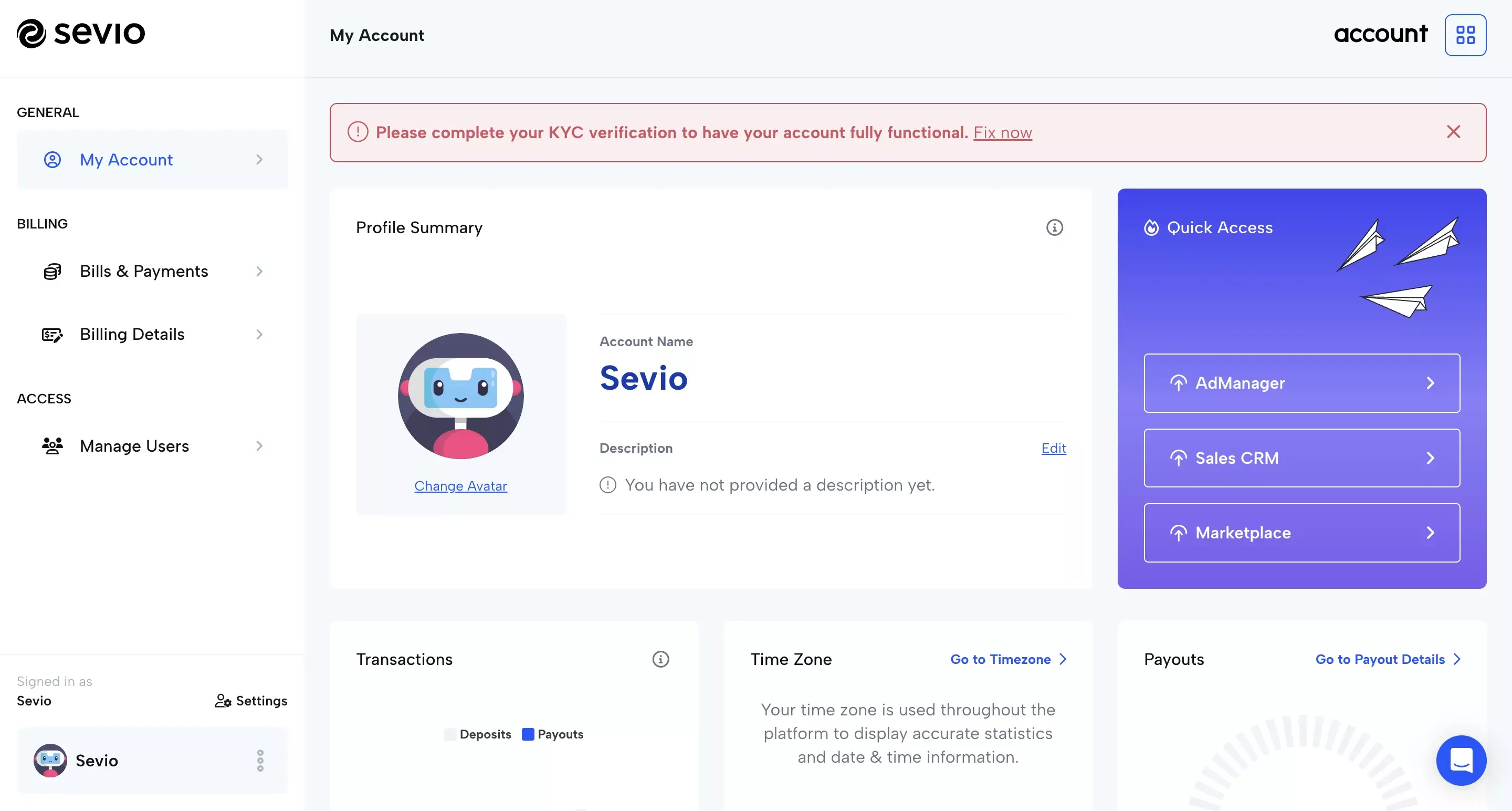
After you log in, you’ll be redirected to the “My Account” dashboard, where you can manage your account settings and activity.

Step 2: Access Request & Initial Review:
After registration, Sevio’s team reviews your submission. An account manager will contact you to understand your website, traffic profile, monetization goals, and which services (Ad Manager, Sales CRM, Marketplace) you want to activate.
Step 3: KYB / KYC Verification:
To comply with financial regulations, publishers complete a short verification process (KYB for companies or KYC for individuals). Once approved, your account is fully activated.
Step 4: Payment Plan & Account Setup:
During onboarding, Sevio will confirm your applicable pricing model and collect payout details. All fees are clarified upfront, with no hidden charges.
Your account is then activated with the modules you requested for the support team: Ad Manager (SSP), Sales CRM, or Marketplace.
By default, you have access to the account and marketplace. Only after discussing with an account manager will you get access to Ad Manager and Sales CRM.
Step 5: Go Live & Optimization:
Once activated, the Account Manager assigned will support you with ad zone activation.

Sevio Review: Ad Formats
Sevio Ad Manager supports both IAB standard and custom display sizes across desktop and mobile web environments. Standard formats include 300×250, 160×600, 300×600, 320×50, 320×100, 468×60, 728×90, 970×250, and 1160×65.
In terms of creative formats, the platform supports:
- Static: Upload static visuals in PNG, JPG, SVG, or GIF format.
- HTML5: Upload a ZIP archive or embed using an iframe.
- Script: Embed ads with a JavaScript tag or third-party script.
- Dynamic: Supports ZIP or script for data-driven, personalized ads.

Sevio Payment Info
Another point worth noting in this Sevio review is the platform’s transparent payment structure. Sevio operates under a self-billing model. Invoices are automatically generated on the 5th of each month for the previous month’s earnings and are paid under NET-30 terms. The minimum payout threshold is EUR 50.
All earnings can be verified at any time in the Records Log, ensuring full transparency over every transaction. In addition, revenue generated through the Sevio Marketplace is automatically included in the same payout invoice.
Publishers can receive payments via bank transfer, BTC, ETH, or ERC-20 tokens. The payout structure is straightforward, with no hidden fees or complex billing mechanisms.

Sevio CPM Rate
CPM rates on Sevio SSP are dynamic and performance-driven, influenced by inventory structure, audience quality, viewable ratio, GEO distribution, and demand configuration.
Publishers benefit from detailed revenue transparency, with CPM and gross revenue breakdowns available by ad unit or site section, geo, country, device, OS, ad format, ad size, and creative type. Reporting is advertiser-level, providing clear visibility into who is generating revenue.
Higher CPMs are typically associated with premium placements, Tier 1 traffic (such as the US, UK, Canada, and Western Europe), and high-value verticals. Yield can further improve when Open Auction demand is strategically combined with structured direct deals through Sevio’s Sales CRM and Marketplace.
As a result, the Sevio SSP CPM performance varies by publisher, with earnings closely tied to traffic quality, vertical alignment, and the effectiveness of inventory and demand optimization.

Sevio Publisher Eligibility
Change to "Sevio does not require a fixed minimum traffic volume, but publishers must meet defined quality criteria to join, such as:
- Traffic & Profile: Sevio partners with premium publishers generating consistent, high-quality traffic. Each application is reviewed individually.
- Quality & Compliance: Websites must provide original, legitimate content, comply with advertising standards, implement ads.txt, and complete KYB or KYC verification before activation.
- Content Standards: Illegal, misleading, or non-compliant content is not accepted.

Sevio Review: Dashboard Overview
If you open our Ad Manager for the first time, you may feel a bit overwhelmed. But worry not, as we'll walk you through the whole interface.
1. Account Overview: The account overview provides an at-a-glance view of your account. This includes statistics such as impressions, viewable impressions, clicks, CTR, and estimated earnings. Additionally, you can use the left-side menu to navigate the platform.

2. Settings: The settings panel gives you access to two screens: Account Settings and Native Templates.

The Account Settings tab lets you customize your Ad Preferences, where you can apply custom filters (like allow and disallow) to various fields, such as:
- Ad Categories;
- Seats;
- Advertiser Domains;
- Creative IDs.
These help you customize your ad delivery at an account level, but you can also change them later while setting up individual inventories. The Native Templates tab is where you create templates and variables for your native ads.

Important: If you decide to implement a Native Ad zone, you should first create the Native Template, then create the ad zone, and assign it to this template. Your account manager will help you ensure that all the variables are added to the template.
3. Inventories: The Inventories tab provides an overview of all the websites and applications you manage, including their status, the number of active ad zones, and the date they were added.

From this screen, you can dive deeper into any of your inventories and manage them.
4. Advertisers: The Advertisers tab gives you full control over the brands and businesses running ads on your inventory. From here, you can add new advertisers, create and manage direct deal campaigns, and assign campaigns to specific ad zones.
Within this section, you can also create assets for each campaign or individual ad item, uploading banners or native creatives, along with their corresponding landing pages.
At the Ad Item level, you can configure the campaign details, including priority, weight, pricing model (CPD or CPM), running period, price, and total budget. You can also set up frequency capping (User Capping and After Click Capping) and define precise audience targeting, such as country, browser, operating system, and device type.

5. Reports: Sevio’s Reports section provides a clear, structured view of your performance data. Here, you can access General Reports, Inventory Reports, Ad Item Reports, as well as insights into your default campaigns.

6. Earnings: The Earnings section shows your revenue performance in a simple, clear format. Here, you can see the number of monetized impressions from programmatic CPM ads, based on bidder demand, for the selected period.
For additional guidance, visit Sevio’s official Help Center. The Sevio Helpdesk offers step-by-step articles on key platform sections, including Reports, Inventory, and Advertisers.


Sevio Contact Info
Sevio offers structured support across onboarding, technical implementation, and ongoing operations.
Each publisher is assigned a dedicated account manager, ensuring clear communication and practical assistance. Support is available Monday to Friday during standard business hours (EET).
Requests are prioritized to ensure timely resolution. General inquiries receive a response within 24 business hours, technical issues are handled based on severity, and revenue-impacting matters are escalated immediately. Any requests submitted outside business hours are reviewed on the next working day.

Sevio Review: Our Final Thoughts
To conclude this Sevio review, the company delivers a structured, publisher-first ad tech platform that combines programmatic scale with direct sales control in one unified system. It is designed for quality-focused publishers who want operational transparency, granular reporting, and clear revenue governance, not just access to demand.
With its integrated Ad Manager, Sales CRM, and Marketplace, transparent pricing model, predictable payouts, and dedicated account support, Sevio positions itself as a long-term monetization partner rather than a simple SSP connection.
Want to know more about Sevio
Visit Website
Sevio Ratings Comparison
Our Editors’ Pick:
Browse these amazing publisher monetization tools handpicked by our team of editors



 (1).webp)